Integrations
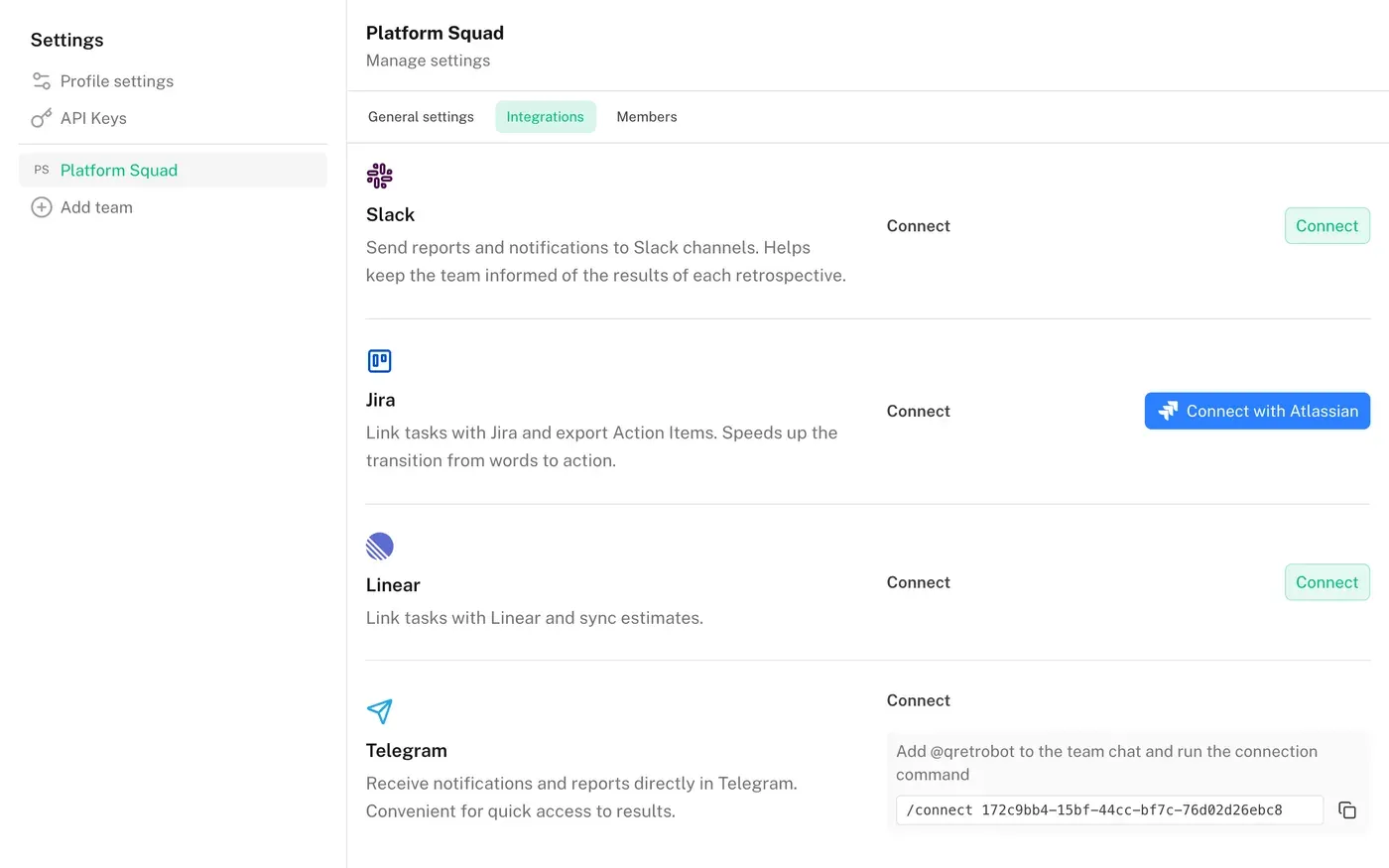
All integrations live in team settings, on the "Integrations" tab.
Slack
Slack integration lets you send a board link or the retrospective summary to a team channel.
How to Connect Slack
- Select a team in the left menu
- Go to the "Integrations" section
- Find Slack and click "Connect"
- Pick the channel in the Slack window that opens and confirm access
Only the team owner can connect Slack, and integration is only available for team boards. To change the channel, connect the integration again and pick another one.
Features
- Share a board — send the link to the channel so colleagues can join
- Send Results — after finishing the retrospective, click "Share to Slack". The channel gets a short recap: participants, cards, ROTI, the summary, what the team agreed on, and the most upvoted card from each column. Everything else stays one click away in the app
If the bot loses access to the channel — it was removed, renamed to a private one, or the app was uninstalled — team settings will show "Reconnect required".
Disconnecting
To disconnect the integration, go to team settings → Integrations → Slack → Disconnect.
Telegram
Telegram integration allows sending retrospective results to your team chat.
How to Connect Telegram
- Select a team in the left menu
- Go to the "Integrations" section
- Find Telegram
- Add the bot @qretrobot to your team chat
- Copy the connection command and send it to the chat
The connection command: /connect <team_id> (or /start <team_id>). You can copy it from team settings → Integrations → Telegram.
Features
- Send Results — after finishing the retrospective, click "Share to Telegram"
- Automatic Summary — the prepared summary is sent together with the results
- Notifications — inform the team about important events
Disconnecting
To disconnect the integration, go to team settings → Integrations → Telegram → Disconnect.
