Guide
Registration
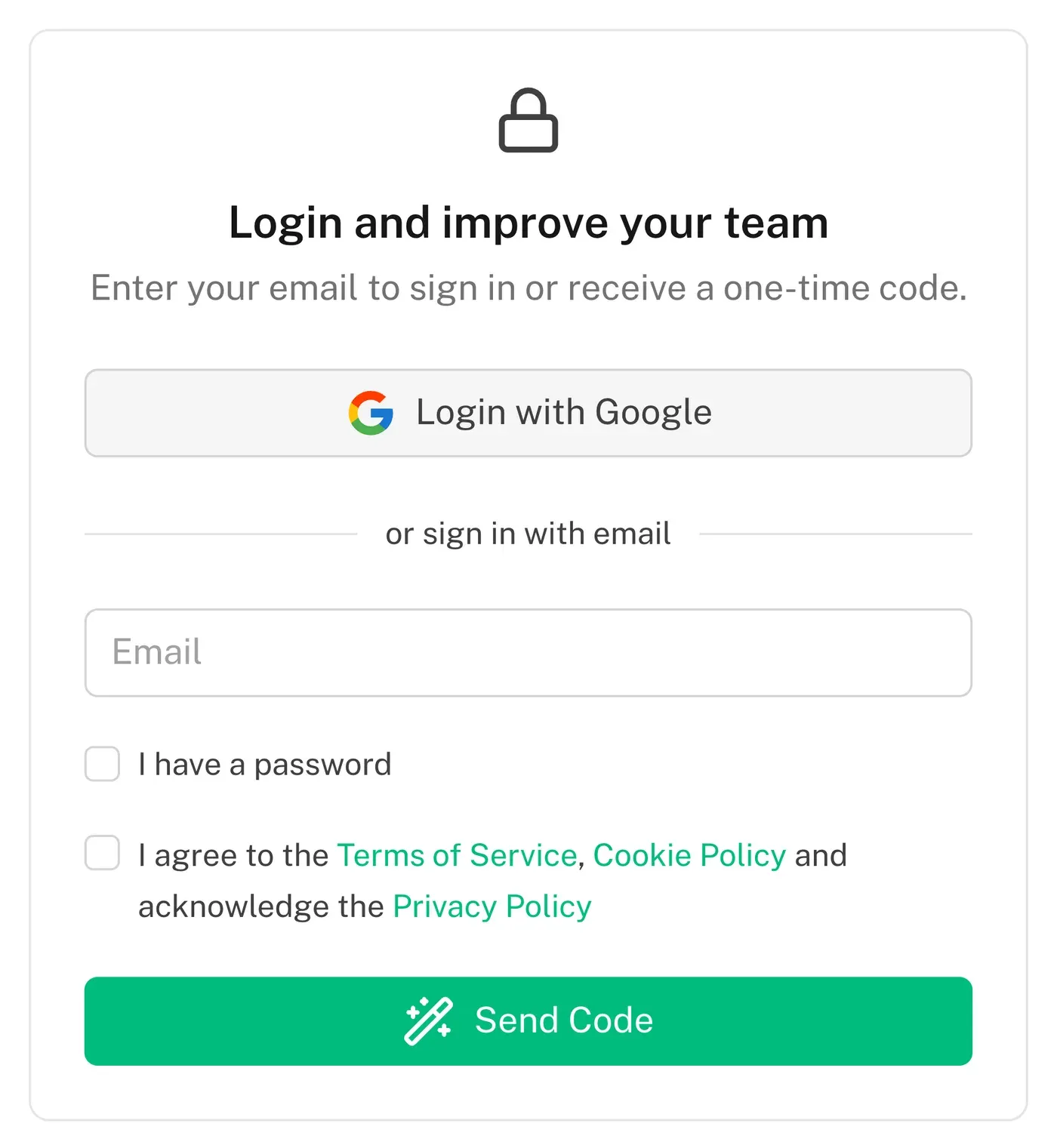
Authorization and registration is available via a Google account or a one-time code sent to your email
How to Register
You can authorize or register in the service in two ways:
- Google — one click, no password
- Email — we send a one-time code; if you already set a password, tick "I have a password" and sign in with it
There is no separate sign-up step: the first sign-in creates the account.
How to Accept an Invite
To accept an invitation, go to the "Retrospectives" section. In the left menu, select "Invitations". Next to the team that invited you, you will see an "Accept" button. Click on it to confirm your participation.
